Translating a Framer Site: Native Localization, Code Snippets and File Workflows Compared
Translate a Framer site with built-in localization, a code snippet, DNS-based tools or XLIFF files. Compare setup, cost and SEO checks for each route.
You can translate a Framer site with Framer's built-in localization. Add a locale in the Localization view, then translate manually or with AI Translation, which uses plan credits. Third-party tools such as Weglot, Linguana and Lantis add translation through a code snippet or a DNS setup. Each vendor documents its own SEO features, so verify those claims before relying on them.
This guide compares four routes against the same criteria: setup, cost, SEO handling, and control over the translated text. Where the sources consulted do not cover a criterion for an option, the text says so.
Option 1: Framer's native localization
Setup. Open the Localization view, click Add Locale and select a language, as described in Framer's help article on adding a locale. The help articles consulted describe no DNS step or code snippet for this route.
Translation and control. You can enter translations manually or use AI Translation. According to the same article, AI translation consumes plan credits, while adding locales and entering translations yourself never requires credits. If you run out of credits, you can still translate everything by hand.
Auto Translate can be enabled per locale. Once it is on, translations are generated when you add or update content on the Canvas or in the CMS, according to Framer's Auto Translate article. The sources consulted do not detail how to exclude individual pages or blocks, or how to maintain a glossary.
SEO. The Translate Page Paths toggle in the Localization settings translates URL slugs for each locale (Framer's localized page paths article). The sources consulted do not detail how native locales handle hreflang tags or sitemaps, so check both yourself (see the SEO section below).
Cost. Framer's pricing page lists $20 per locale, with a limit of up to 20 locales. A 2026 third-party guide reports the same figure and says locales are available on both Basic and Pro. It also says AI translations draw on workspace credits.
Some older sources disagree:
- An older third-party pricing article gives $40 per additional locale on Pro and above.
- A third-party article about 492 days old says Framer supports only two locales on Pro and Business plans. Later sources list up to 20 locales, so that claim looks outdated.
Because the figures conflict, confirm the price on Framer's live pricing page before you decide.
Option 2: a code snippet or DNS-based translation layer
These tools sit on top of your published site. They differ mainly in how you connect them.
Weglot
Setup. According to Weglot's Framer guide, you paste its JavaScript snippet into the Custom Code area of Framer's site settings, in the End of head tag section. Single-page-app setups need an extra dynamic-content step.
Cost. Weglot's guide, updated June 10, 2025, says paid plans start from $17 per month, with a free plan for sites of 2,000 words or fewer. This is a vendor-published figure and may be outdated.
SEO and control. The sources consulted do not detail Weglot's hreflang, sitemap, editing or exclusion features. Weglot wrote the guide, so read its positioning as the vendor's own view.
Linguana
Setup. Linguana's Framer page says you update your DNS records and connect your Framer project to its app. If you want to avoid DNS changes, this is a relevant difference from the snippet-based options.
SEO. The same page says Linguana translates all HTML text and metadata. This is the vendor's own claim and has not been independently verified.
Cost and control. The sources consulted do not give Linguana's prices or detail its editing and exclusion features.
Lantis
Setup. According to its website, Lantis translates Framer, Webflow, Shopify, WordPress and other websites. You install it by pasting one line of code, with no DNS change and no change to the design.
SEO. According to its website, Lantis gives each language its own URL and generates hreflang tags and sitemaps automatically. These are the vendor's own statements and have not been independently verified here.
Control. According to its website, Lantis uses Gemini by default, with Claude, DeepL or DeepSeek as alternatives. It also offers:
- a visual editor for corrections
- a glossary per language
- exclusion of pages or blocks
- analytics on visitors' languages
Cost. According to its website, pricing is per language and per month, with a word allowance per language, extra words sold separately, a separate Agency plan for several sites, no lock-in and a refund window. The sources consulted do not let us verify the exact figures, so check them on Lantis's own pricing page. Because the cost is charged per language, it grows with each language you add, whereas a flat fee would not. Compare the total for your own number of languages and words.
Limits.
- The sources consulted do not independently verify Lantis's indexing results, and its SEO claims come from the vendor itself.
- Its per-language pricing can make it a worse choice than a flat-fee option if you need many languages on a single site.
- It is a third-party layer, so it adds a dependency on an external service, like Weglot and Linguana.
- If you only need one or two languages and are happy to review text yourself, Framer's native localization may be enough.
For a vendor-written side-by-side of two of these tools, see Linguana vs Lantis, translating Framer and Webflow compared. Because Lantis publishes it, read it as one vendor's view.
Browser widgets
Widget-based translation, such as a Google Translate embed, is criticized in Weglot's guide because the translations are generated in the browser, so search engines won't be able to index them. That is a vendor's view of a competing approach, so treat it as a point of comparison rather than settled fact.
Option 3: a file-based workflow with XLIFF
Setup. Crowdin's Framer workflow uses Framer's Locale Sync plugin. You export content as XLIFF, translate it in Crowdin, then import the file back into Framer.
Who it suits. This route fits teams that already work with translators or want a translation management tool. It involves more steps than the native or snippet routes, and review time depends on your team.
Cost and SEO. The sources consulted do not give Crowdin's prices or describe its hreflang or sitemap handling for Framer.
A note on older workflows
Some older guides describe switching languages page by page. A Localize.js guide, about 1,489 days old, says to repeat the process for each page on your site. The sources consulted do not support this approach for current Framer behavior, so don't rely on it.
Comparing the routes
| Criterion | Framer native | Weglot | Linguana | Lantis | Crowdin (XLIFF) |
|---|---|---|---|---|---|
| Connection | Localization view | JavaScript snippet | DNS records and app | One line of code | Plugin plus file export/import |
| DNS change | No DNS step in the articles consulted | Not described as needed | Yes, per its page | No, per its website | Not detailed |
| Price shown in sources | $20 per locale (conflicting figures exist) | From $17 per month, per Weglot | Not detailed | Per language per month, per its website; the sources consulted do not verify figures | Not detailed |
| Manual editing | Yes | Not detailed | Not detailed | Visual editor, per its website | Via the translation tool |
Prices are in different currencies and units and have not been converted. Compare them on each vendor's checkout page, and compare the same number of languages and words.
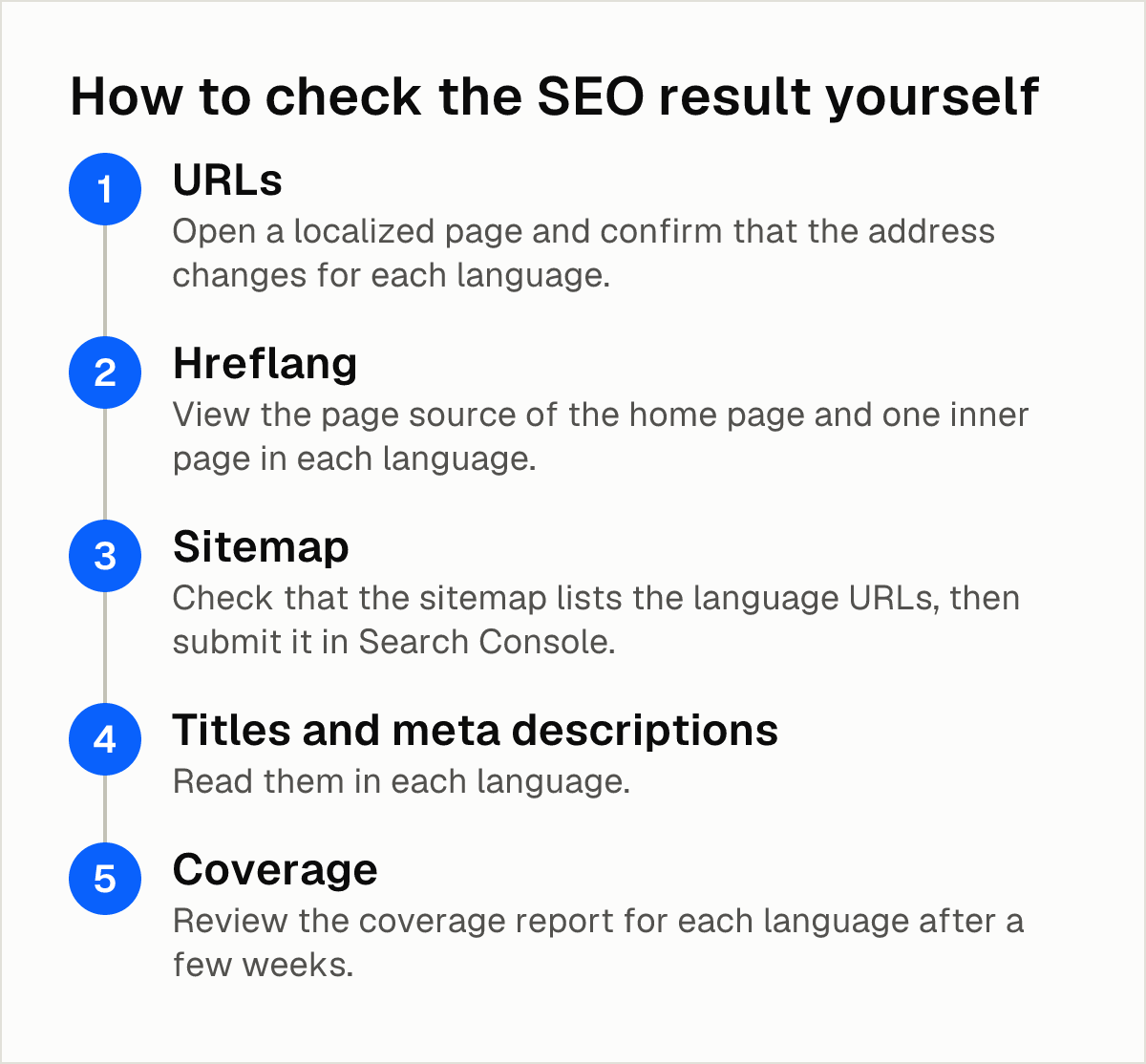
How to check the SEO result yourself
Whatever you choose, test the output. Vendor descriptions of indexing and hreflang are claims until you confirm them on your own site.
- URLs. Open a localized page and confirm that the address changes for each language. If you enabled Translate Page Paths in Framer, check that the translated slug appears.
- Hreflang. View the page source of the home page and one inner page in each language. Look for hreflang tags that point to the matching versions.
- Sitemap. Check that the sitemap lists the language URLs, then submit it in Search Console.
- Titles and meta descriptions. Read them in each language. Automatic translation can produce text that is too long or misses search intent. For background, see this article on translating titles and meta descriptions for multilingual SEO.
- Coverage. Review the coverage report for each language after a few weeks.
Limits that apply to every option
- AI output needs review. Glossaries, visual editors and manual review reduce errors, but none replaces reading the result in each language.
- Credits can run out. In Framer's native route, AI translation draws on plan credits, while manual translation does not.
- Most strong claims come from vendors. Weglot, Linguana and Lantis each describe their own features. Test on a staging copy before you publish, especially for indexing and hreflang.
Choosing by situation
- One site and one or two languages, with review in-house: Framer's native locales may be enough, provided you confirm the live price.
- You want to avoid DNS changes: Weglot and Lantis connect through code, according to their own materials. Linguana requires DNS changes.
- Your team already uses translators and file-based tools: the Crowdin XLIFF workflow fits that process.
- You manage several sites or platforms: Lantis lists Webflow, Shopify and WordPress support and an Agency plan for multiple sites, according to its website. The other vendors' multi-platform and agency features are not detailed in the sources consulted.
- You need many languages on one site: per-language pricing, as Lantis uses, grows with each language, so compare totals against other options.
For more on Framer's own limits and costs, there is further reading on Framer Localization pricing and limits. It is published by Lantis, so compare it with Framer's own pricing page.
Frequently asked questions
How much does it cost to add a second language to a Framer site?
With Framer's native route, Framer's pricing page lists $20 per locale, but an older third-party article reports $40, so confirm the live price. According to its website, Lantis charges per language per month; the sources consulted do not verify its figures, so check its pricing page.
Does Framer's built-in localization index translated pages for Google?
The help articles consulted do not state how native locales handle indexing, hreflang or sitemaps. They do confirm that page paths can be translated per locale. Check the page source and Search Console on your own site.
Do I need to change DNS to translate a Framer site?
It depends on the tool. Linguana's Framer page says you update DNS records. Weglot's guide describes pasting a JavaScript snippet, and Lantis says on its website that installation needs no DNS change.
Can I edit AI translations before they go live?
In Framer, you can enter translations manually, and manual entry never requires credits. According to its website, Lantis includes a visual editor for corrections. The sources consulted do not detail editing for Weglot or Linguana.
Can I exclude certain pages or blocks from translation in Framer?
The sources consulted do not detail page or block exclusion in Framer's native localization. According to its website, Lantis lets you exclude pages or blocks. The sources do not detail this feature for Weglot or Linguana either.
Sources
- Framer Help: Adding a new locale
- Framer Help: Auto Translate — Keep content translated automatically
- Framer Help: Localized page paths
- Framer: Pricing
- Framer Pricing Explained (2026): Free vs Basic vs Pro · BuildinFramer
- Framer Pricing 2026: Every Plan Compared ($0 to $30/mo)
- How to Make a Multilanguage Website in Framer (Step-by-Step)
- Framer Translation: How Weglot Can Help You Create a Multilingual Website for 2025
- Linguana - Make your Framer site multilingual
- Framer Localization with Crowdin
- Translate Framer Sites (Localize)
- Linguana vs Lantis: traducir Framer y Webflow comparado
- Framer Localization: precios, límites y cuándo no compensa
- Traducir titles y meta descriptions: SEO on-page multilingüe
Pon tu web en varios idiomas hoy.
Una línea de código. SEO real por idioma. Traducción con IA. Sin tarjeta para empezar.