Website Image Translation: Alt Text, File Names and Image Text
Translate website images in three jobs: alt text, file names and URLs, and text inside the pixels. Follow these steps in order, on any platform.
Translating website images means three separate jobs: alt text, file names and image URLs, and any text baked into the pixels. Keep text out of images wherever you can, because Weglot's guide calls that best practice, and treat whatever text must stay in a picture as its own localization step. Lantis translates page text and sets up one URL per language, hreflang and sitemaps, but text inside images is a separate step.
The essentials
- Sort every image into one of the three jobs before you translate anything.
- Move headlines and labels out of images and into HTML text, so one file can serve every language.
- Write alt text for each language from what the image does on that page.
- Translate file names, and give each language its own image URL when the image itself differs.
- Localize any text that must stay in a flattened image from the source design file.
- Connect each language page with one hreflang method, then check the live pages.
What do you need before you start?
The steps below run in order. Gather these first, so you do not stop halfway:
- Editor access: You need to edit images, alt text and file names in your CMS or site builder (Framer, Webflow, Shopify, WordPress or a custom build).
- An image inventory: A spreadsheet with one row per image, its page, its current alt text and whether it contains text.
- Source design files: The original layered files (Figma, Photoshop, Illustrator) for every image that contains text. Motionpoint notes that some images need source design files for localization, which adds cost.
- Your target languages: Decide them now, because every image with text multiplies by the number of languages.
- A reviewer per language: A native speaker who can read alt text and image text in context.
How do you sort images into the three jobs?
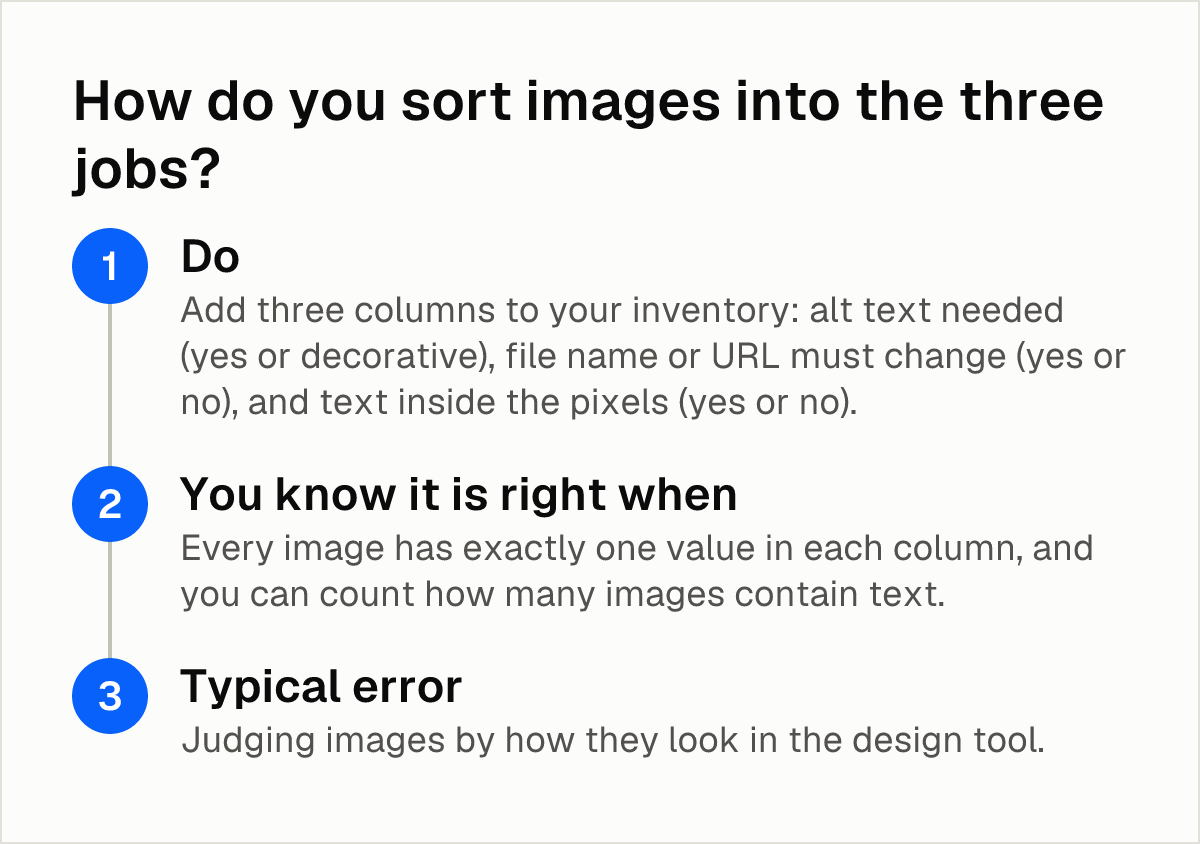
Each image has up to three parts to translate, and each needs a different fix. Sorting first prevents you from paying a designer to redo an image that only needed a new alt text.
- Do: Add three columns to your inventory: alt text needed (yes or decorative), file name or URL must change (yes or no), and text inside the pixels (yes or no). Google's image SEO guidance asks for useful, information-rich alt text that fits the page, so mark purely decorative images as such.
- You know it is right when: Every image has exactly one value in each column, and you can count how many images contain text.
- Typical error: Judging images by how they look in the design tool. Open the live page, because an image that seems to contain no text may still carry a baked-in caption or logo lockup.
Also note where each image lives. Motionpoint says most CMSs natively support externalizing text from images, which lets the text be translated separately from the picture, so check whether your platform offers that before you plan any design work.
Can you move text out of the image and into HTML?
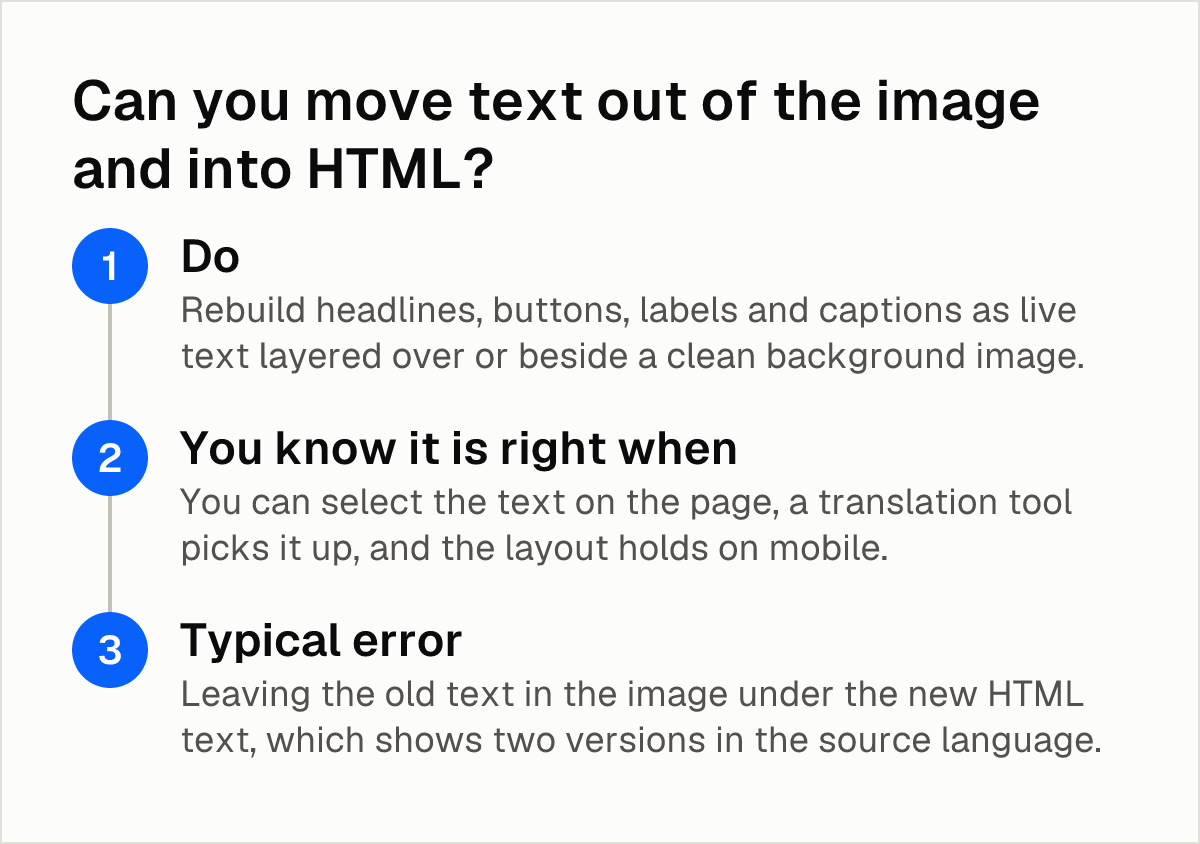
This is the cheapest fix, so try it before anything else. Weglot says it is best practice to avoid having text in any images, which removes the need to translate baked-in text. Universally's documentation explains why: the same image file is served in every language, so anything baked into an image is treated as untranslatable, while text kept in HTML can be translated like the rest of the page.
- Do: Rebuild headlines, buttons, labels and captions as live text layered over or beside a clean background image. Export the background without the text.
- You know it is right when: You can select the text on the page, a translation tool picks it up, and the layout holds on mobile.
- Typical error: Leaving the old text in the image under the new HTML text, which shows two versions in the source language.
Images that stay in your "text inside the pixels" group after this step (screenshots, infographics, product packaging, charts) go to the step on localizing text that must stay in the image.
How do you translate alt text for each language?
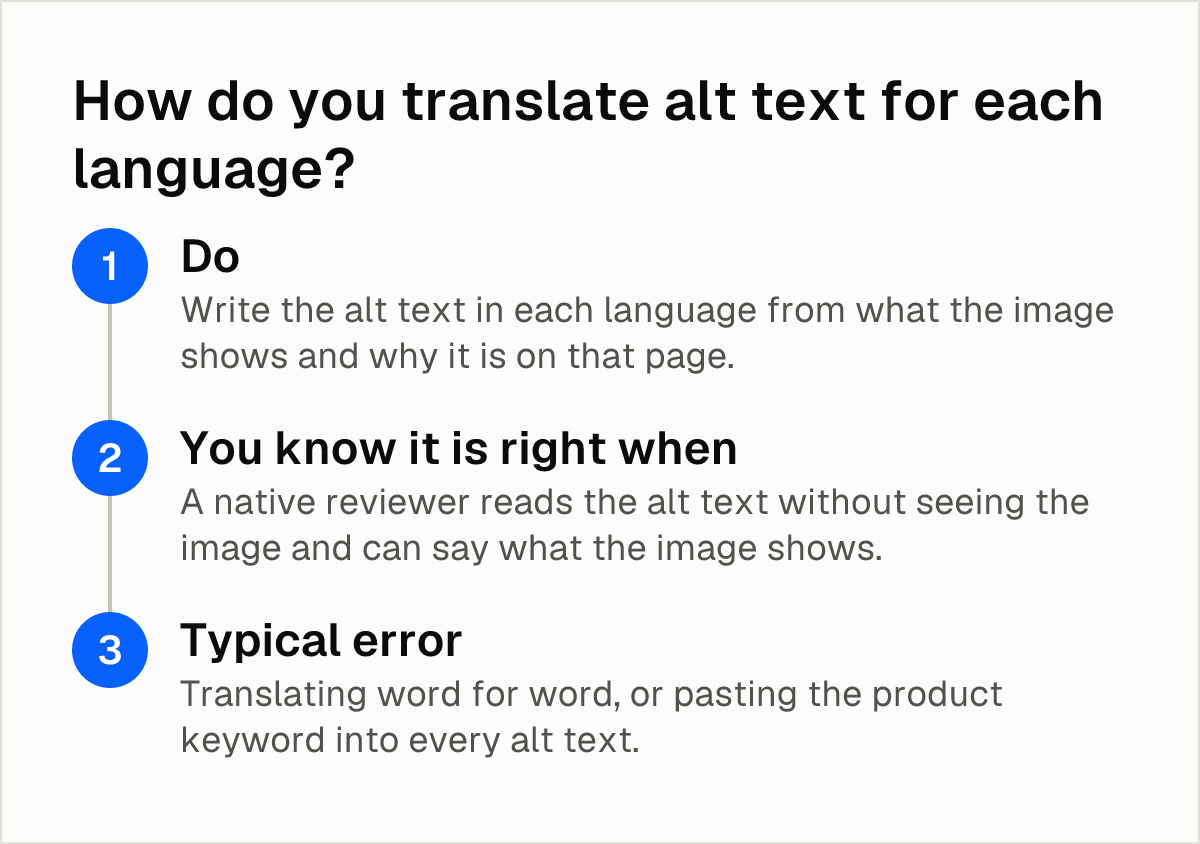
Google uses alt text together with computer vision and the contents of the page to understand what an image shows, according to the same Google image guidance. Alt text therefore matters for search even before any translation, and a translated version has to do the same job in each language.
- Do: Write the alt text in each language from what the image shows and why it is on that page. Keep it specific and avoid keyword stuffing, which Google's guidance warns against.
- You know it is right when: A native reviewer reads the alt text without seeing the image and can say what the image shows.
- Typical error: Translating word for word, or pasting the product keyword into every alt text.
How you enter translated alt text depends on the platform:
- WordPress: TranslatePress says you can translate the alt and title attributes of images in its Translation Editor. Translating the alt attribute of slider images requires its SEO Add-on, which is a paid extra.
- Shopify: A Shopify Community answer said translating image alt text natively was "not currently possible" and suggested uploading the image twice with different alt text. A Langify representative replied that the Langify app translates alt texts through its Custom Content feature and syncs with Shopify's Translate & Adapt. Lantis has a separate page on the limits of Shopify's free Translate & Adapt app.
- Framer, Webflow and custom sites: Alt text is a per-image field or an attribute in your markup, so confirm that your translation tool covers attributes and not only visible text.
If you have hundreds of images, a generator can produce first drafts. AltText.ai says it supports 136 languages and can create several language versions of alt text in a single pass. It is vendor material, so keep the human review in your process.
How do you translate file names and image URLs?
Google's image SEO guidance says that when you localize images, you should remember to also translate the file names. The localized file names are then indexed for each language.
- Do: Rename each localized image file in the target language, readable and short, for example
zapatillas-running-azules.jpginstead ofIMG_4821.jpg. - Do: Decide whether the image needs its own URL per language. Weglot advises using a different image URL for each version when a language uses a different or altered image. ConveyThis gives the same advice and adds that the file name should be localized for SEO. Its media translation feature is switched on in the dashboard settings. If the image has no text and is identical in every language, one file can serve all of them.
- You know it is right when: The image URL on each language page matches the language of the page, and the file opens directly in a browser.
- Typical error: Uploading a localized image under the same file name, so the new version overwrites the original or the page still points to the old one.
If your images sit on a CDN, Google's image documentation says image sitemaps can include URLs from other domains in the <image:loc> elements. Your sitemap can therefore declare CDN-hosted images, but confirm that each declared URL actually loads.
What do you do with text that must stay inside the image?
Some images cannot be rebuilt in HTML. Motionpoint argues that detecting and compiling images with translatable text is very hard for most website translation services, because flattened JPG and PNG files need specialized technology and design work. That is why this job is a separate step from page translation. Three routes exist:
| Route | How it works | Main limit |
|---|---|---|
| Manual screenshot | Screenshot the image, translate the text, upload a new file per language | Repeats for every image and every change |
| AI extraction plus review | AI detects and extracts embedded text, then a person reviews the translation | Quality depends on the tool and on the review |
| Source file localization | A designer swaps the text layers in the original file and exports one image per language | Needs source files and design time |
Smartcat, a vendor, calls the screenshot route time-consuming and not scalable for business workflows, so reserve it for a handful of images. For AI extraction, Smartcat's image translation page describes a workflow in which AI detects and extracts all embedded text from images, followed by human review.
For source file localization, Skrivanek, a translation agency, notes that text layers often expand and overlap graphic elements after translation, and that some fonts may not support certain character sets.
- Do: Pick the route per image group, not for the whole site. Use source files for brand-critical images and a lighter route for simple ones.
- You know it is right when: The translated text fits without overlapping, every character renders, and a native reviewer approves it in the final layout.
- Typical error: Exporting the translated text into the old layout.
Give each finished image its own file name and URL, as in the previous step, and its own translated alt text.
How do you connect each localized image to its language page?
A localized image only helps if its page is linked to the other language versions. Google's localized-versions documentation says an XML sitemap can declare all the language and region variants for each URL, as an alternative to HTML tags or HTTP headers. The same documentation says using all three methods brings no benefit in Search and can make management harder.
- Do: Choose one hreflang method and check that your site uses only that one.
- You know it is right when: Every language URL lists all its variants, and each image on those pages loads from the URL you set for that language.
- Typical error: Mixing a plugin's HTML tags with a hand-written sitemap, so two methods describe the same pages.
Lantis gives each language its own URL and generates hreflang and sitemaps automatically, with installation by pasting one line of code and no DNS changes. That covers page structure. Images that contain text still need the previous step. If you are still choosing a tool, Lantis compares three alternatives in Weglot vs GTranslate vs ConveyThis.
How do you check the result before publishing?
Run this check on the live page of every language, not in the editor.
- Alt text: It exists in the target language and describes the image in context.
- File name: It is localized wherever the image differs between languages.
- Image URL: Each language version points to its own image when the image differs.
- Text inside images: Nothing important remains in the source language, and nothing overlaps or shows broken characters.
- Language links: The pages declare their variants with one hreflang method.
The most common failures are copying alt text word for word, leaving banners with baked-in source-language text on translated pages, and assuming a page translation tool will read text inside a flattened image.
Next steps
- Export a list of all images with their page, alt text and file name, and mark which ones contain text.
- Rebuild the five images with the simplest text as HTML text over a clean background, then check them on mobile.
- Write alt text and file names for your top ten pages in one target language, and have a native speaker review them on the live page.
- Collect the source design files for every image that must keep its text, and note which languages need extra space in the layout.
- If you want page text, one URL per language, hreflang and sitemaps handled from a single line of code, Lantis does it this way: see its Framer localization pricing and limits page. Text inside images remains a separate step.
Frequently asked questions
Do translated image file names help SEO in other languages?
Google's image guidance says that when you localize images, you should also translate the file names. The localized names are then indexed for each language. Keep them short and readable, without keyword stuffing.
Should I translate image alt text, and how do I do it on Shopify?
Yes. Google uses alt text together with computer vision and the page's content to understand an image, so a translated alt text helps in each language. On Shopify, a Langify representative says its app translates alt texts through Custom Content and syncs with Translate & Adapt. A Shopify Community answer also suggested uploading the image twice with different alt text.
How do I translate the text inside an image without redesigning the page?
Move the text into HTML where you can, so it translates like any other page text. Where it must stay in the picture, localize it from the source design file or through an extraction workflow with human review. Motionpoint says flattened JPG and PNG files need specialized technology and design work.
Will Google index images on a translated page if the image is the same in every language?
If the image has no text, one file can serve all languages. Translate the alt text and file name on each page to give each language its own context.
Sources
- Image SEO Best Practices (Google)
- Localized Versions of your Pages (Google)
- Media Translation: How to Translate Your Website Images (Weglot)
- Translate images and media (Universally)
- Media Translation: How to Translate Website Images (ConveyThis)
- Image translation (TranslatePress)
- Translating image alt text in multiple languages (Shopify Community)
- Can someone help me figure out how to translate image alt texts into multiple languages? (Shopify Community)
- Multilingual SEO & Alt Text Accessibility (AltText.ai)
- Multimedia Translation Services Support for Images and Documents (Motionpoint)
- Translate Website Images: AI Image Translator (Smartcat)
- Translate Images on Webpages Fast (Smartcat)
- Graphics Localization Services (Skrivanek)
Pon tu web en varios idiomas hoy.
Una línea de código. SEO real por idioma. Traducción con IA. Sin tarjeta para empezar.